
Apptisan #048 - Kinopio
Kinopio is a spatial note-taking tool for collecting and connecting your thoughts, ideas, and feelings. Designed to work the way your mind works.

Name: Kinopio
Developer / Team: Piri
Platforms: Web, iOS, Android (PWA)
Read this newsletter issue in Chinese (中文) .
Please describe your product.
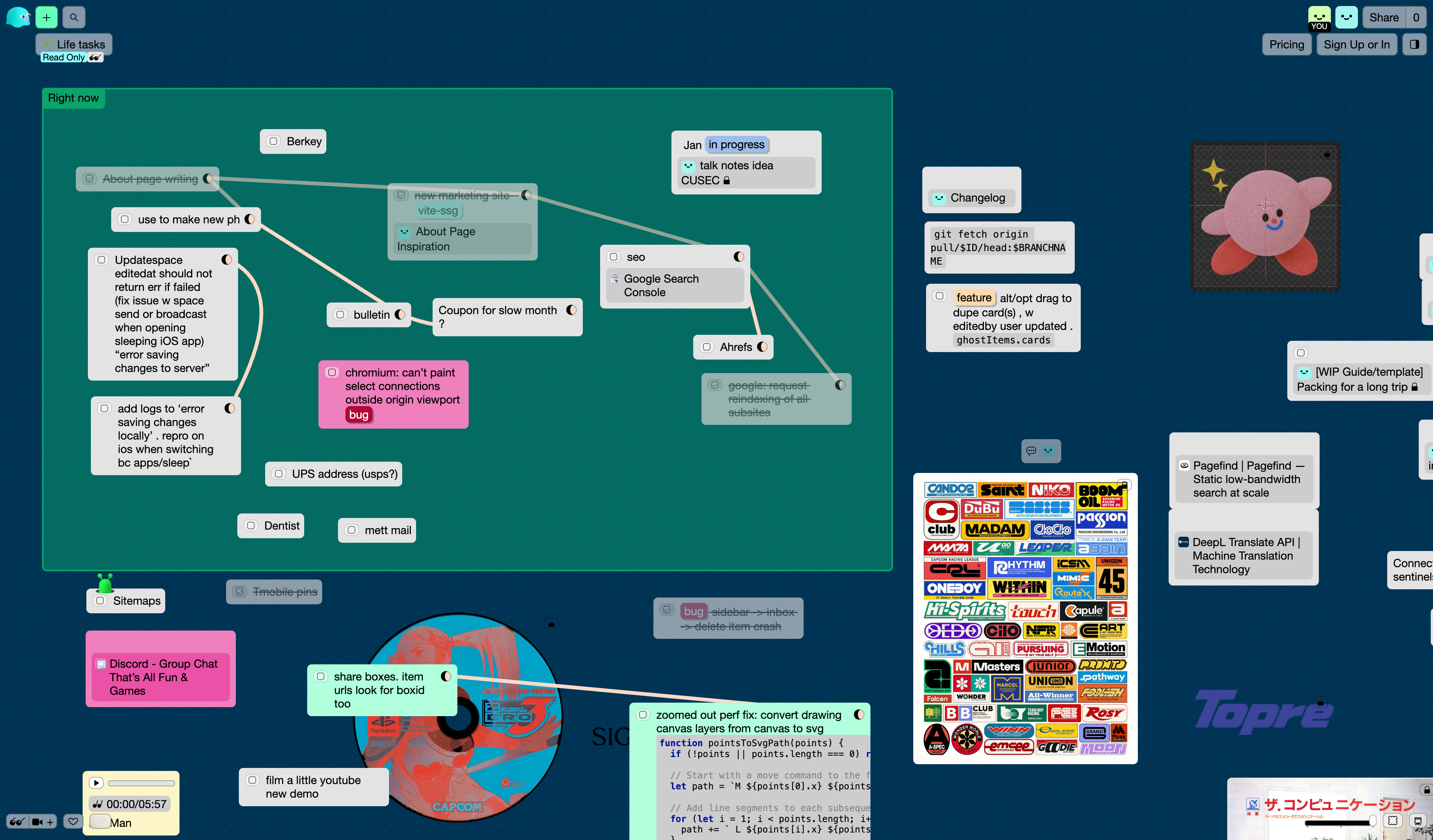
Kinopio is a spatial note-taking tool for collecting and connecting your thoughts, ideas, and feelings. You click to add cards anywhere on a canvas, add images, urls, and files and connect related ideas together. It’s designed to work the way our spatial memory works.
Was there a ‘aha!’ moment that inspired your product’s creation?
In my previous job (as the co-creator of Glitch), I noticed that I found it really useful to write todos, comments, and ideas next to my mock-ups in design software using the Text tool. When I placed ideas next to images in space, rather than in a linear doc or note file, it made things a lot easier to remember and reason about.
This led me to wanting a more purposeful and easier-to-use version of that core experience.
Beyond specific ‘aha!’ moment, how do you generally find and nurture creative inspiration in your daily life?
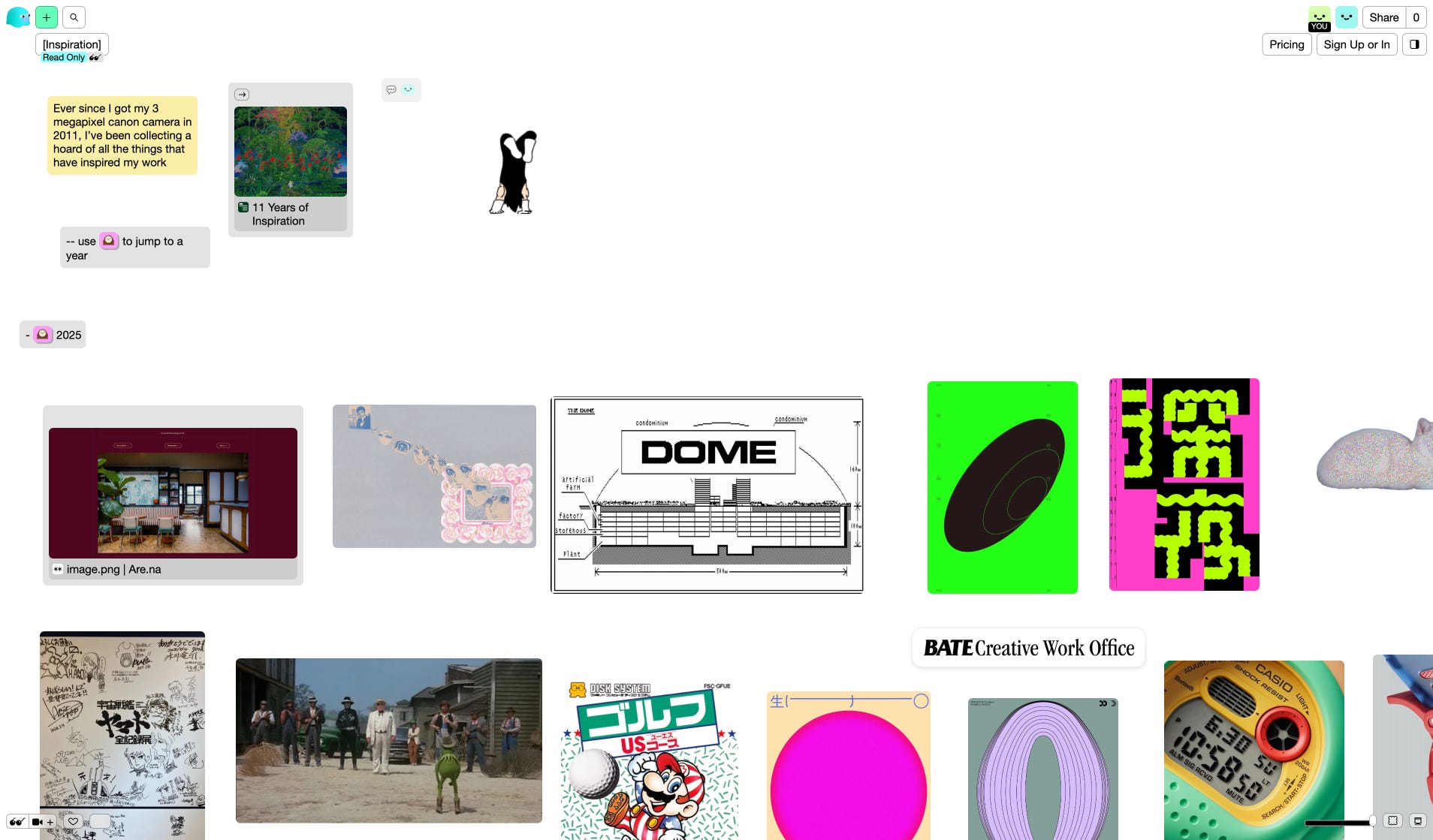
I’m always on the hunt for new inspiration, which I collect in a now giant Kinopio space. But in terms of my everyday work coming up with new features or figuring out what to prioritize next, a lot of that is informed by talking to users and customers on the Kinopio community discord and forums.
Could you walk us through your typical workflow, from initial concept to a shipped product? What key tools or methodologies do you rely on?
For initially building the app, I started with sketches, design mockups, and building up a simple prototype into something that felt fun to use. You can see my early WIP progress by scrolling to the bottom of this Are.na channel.
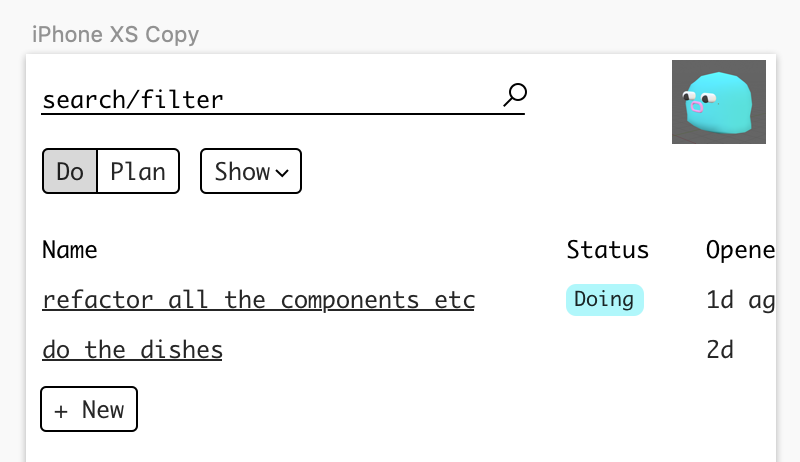
Nowadays though, for adding new big features to the app I’ll start with writing out why I’m making this and who it’s for, then diving right into the code and making that happen. I’ll still break out Sketch, but mainly for smaller tasks like drawing icons.
What makes your product unique compared to others in the market?
Unlike other whiteboard apps, Kinopio has a direct toolbar less design. You just click anywhere to add cards and drag between card connectors to make connections. Any card can become an image by dragging/uploading a file into it, or pasting in a url.
The other major difference is that Kinopio spaces can be highly personalized. You can customize backgrounds, add your own colors, and embed music and youtube videos to make it feel like your own.
Kinopio doesn’t seem to have AI features at the moment, which frankly takes courage in the current craze. Could you share the thinking behind this decision and your perspective on AI’s role in productivity tools in general?
Because Kinopio is solely supported by the people who love it, I have the insane privilege of being able to only add features that fit into the product and truly help its users.
I’ve experimented with AI features in Kinopio before, there was a image generation feature, and I built but-never-shipped a feature that generates a new space from a prompt. While AI features get likes on Twitter, they never seemed to resonate with actual users.
I think that’s because with white-boarding, mind-mapping, or mood-boarding, the journey of placing ideas and images, making connections, and figuring out what things should be grouped together yourself is vitally important to building up your own spatial memory. This is the magic that makes big ideas easier to recall and reason about.
On a personal note, how do you, as a developer and designer, use AI in your own daily workflow?
I find AI useful in coding, but not to the extreme that a lot of other people have taken it. When needed, I’ll open the Claude app and ask it specific questions, manually giving it specific context. So I rarely write SQL queries so I’ll roughly describe my table and ask it to write a query or migration file that does what I need. Then I’ll check and adapt that to my code base.
I’ve tried out Cursor and similar tools, but I’ve gotten really mixed usefulness when asking it big questions. I find I’m more creative and overall much more productive by understanding a problem and trying to solve it myself first, then if I default to asking AI to do the thing, and then have to spend more time fixing it’s recommendations.
How have you marketed your product, and what key lessons have you learned?
I’ve tried a lot of things, from a #1 Product Hunt launch, regularly using social media to post about progress and announce new features. I don’t have any special connections or do any arcane rituals the PH launch – when I launched, I mostly just emailed my existing user base and some friends to check it out. The response was really great and a lot of people found it through that, but PH launches seem to be pretty spiky: traffic goes up for a couple days and then settles back down, hopefully to a slightly higher plateau. I think PH is stressful for a lot of people because they assume that it’s a make-or-break event, but it’s really not. It’s just one event out of many you’ll do over time.
But I’ve found that the most effective tools have been writing in my personal blog, and when I’m invited to do podcasts and conferences. I suspect these relatively lo-fi channels work because they attract what sales people would call “qualified leads”, software and design enthusiasts who resonate with the idea of software as craft that’s built to last.
While I have basic page view and referrer analytics, I get my temperature checks anecdotally. The most enthusiastic new users are always happy to let me know how they found Kinopio and what they like about it.
Something I still need to try in the future is making videos on YouTube about the app.
What has been some memorable feedback since your product’s release?
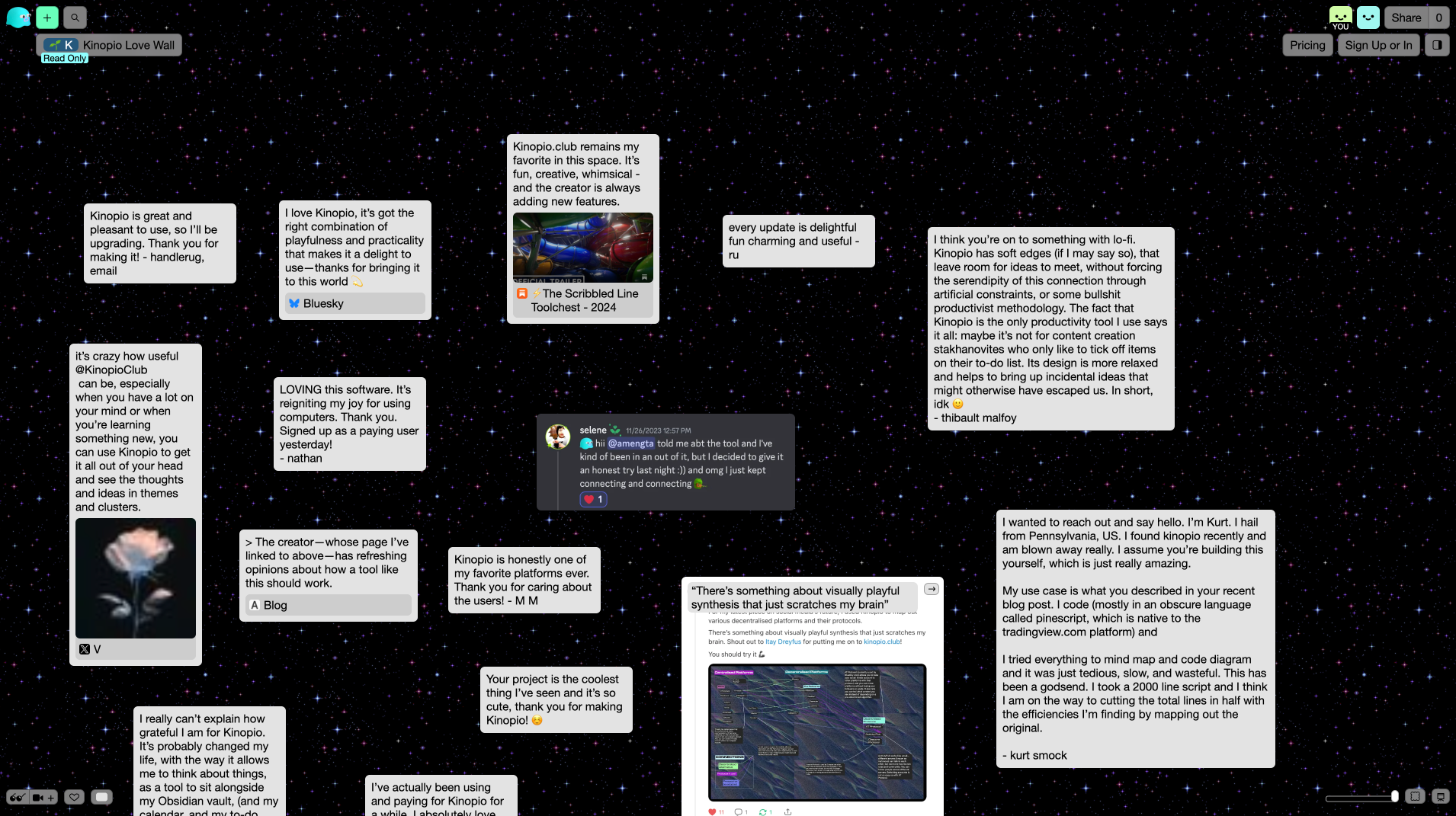
One of the main things that keeps me going is all the kind feedback I hear from people who have discovered the app, I’ve started collecting it here.
How do you typically structure your day to stay productive and creative? Any favorite time management techniques?
I do it pretty simply, I keep a rough log of thoughts, projects, and major bugs to fix in my own personal/messy daily space. Then in the morning I pick what I’ll do that day, and go for it. It’s nice to have that clarity.
Are there any products out there that you feel deserve more recognition?
My friend Lucas is developing this cool p2p radio app with a gorgeous design that I think more people should see.
Would you mind sharing your phone and computer home screens with us and a few of your go-to daily apps?
My iPhone is probably pretty basic, I don’t really have any attachment to it. My mac, on the other hand, is my main creative tool, and so I’ve always got a lot going on.
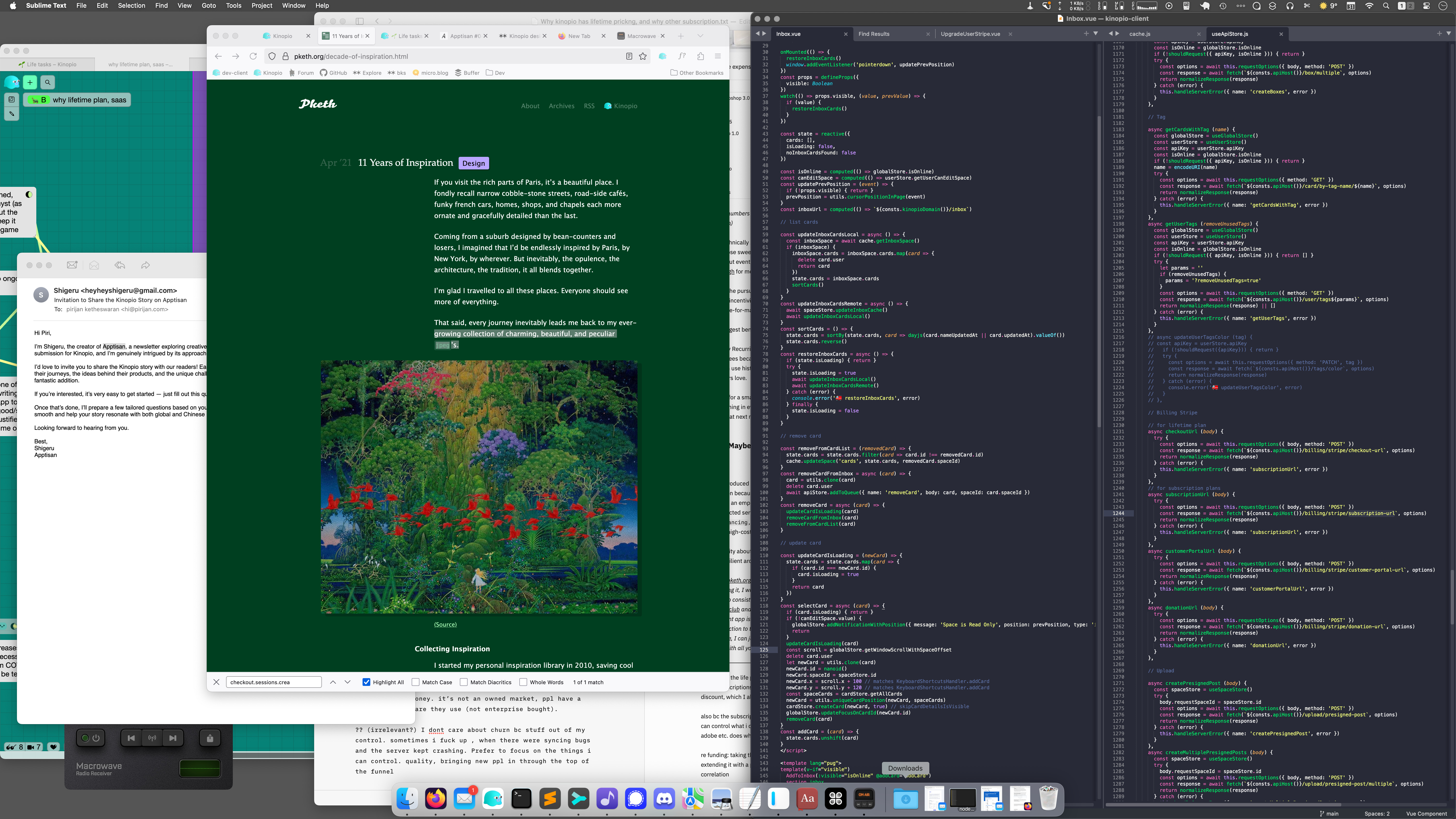
This messy screenshot is pretty representative, but I’ve also listed out my favorite apps and thoughts on computing in: https://kinopio.club/computing-happiness-SrLvfAPsBIsor4g9iIW7D
Some highlights from the space:
Sublime Text and Sublime Merge are my text editor and git client of choice. ST is considered uncontemporary and uncool by the standards of today, but decades of using it, and internalizing it’s keyboard shortcuts, have made using it feel instinctual to me. With SM I’m stashing stuff, jumping between trees, and cherry picking bits from here and there: if you know Git’s fundamentals, SM will give you a big feeling of control over git.
Pure Paste: Not once in my life have I wanted to paste copied text with it’s original font size and style. Pure Paste makes sure that all your pastes are predictable.
Kagi: I hear people complain everyday that Google search is getting worse and worse. But if search really means that much to you (and it should), you could keep complaining (nothing will change), or you can pay a couple $ a month for amazing no-bs search – with the ability to block results from specific domains.
Which creators do you look up to, and what admirable qualities do you see in them or their work?
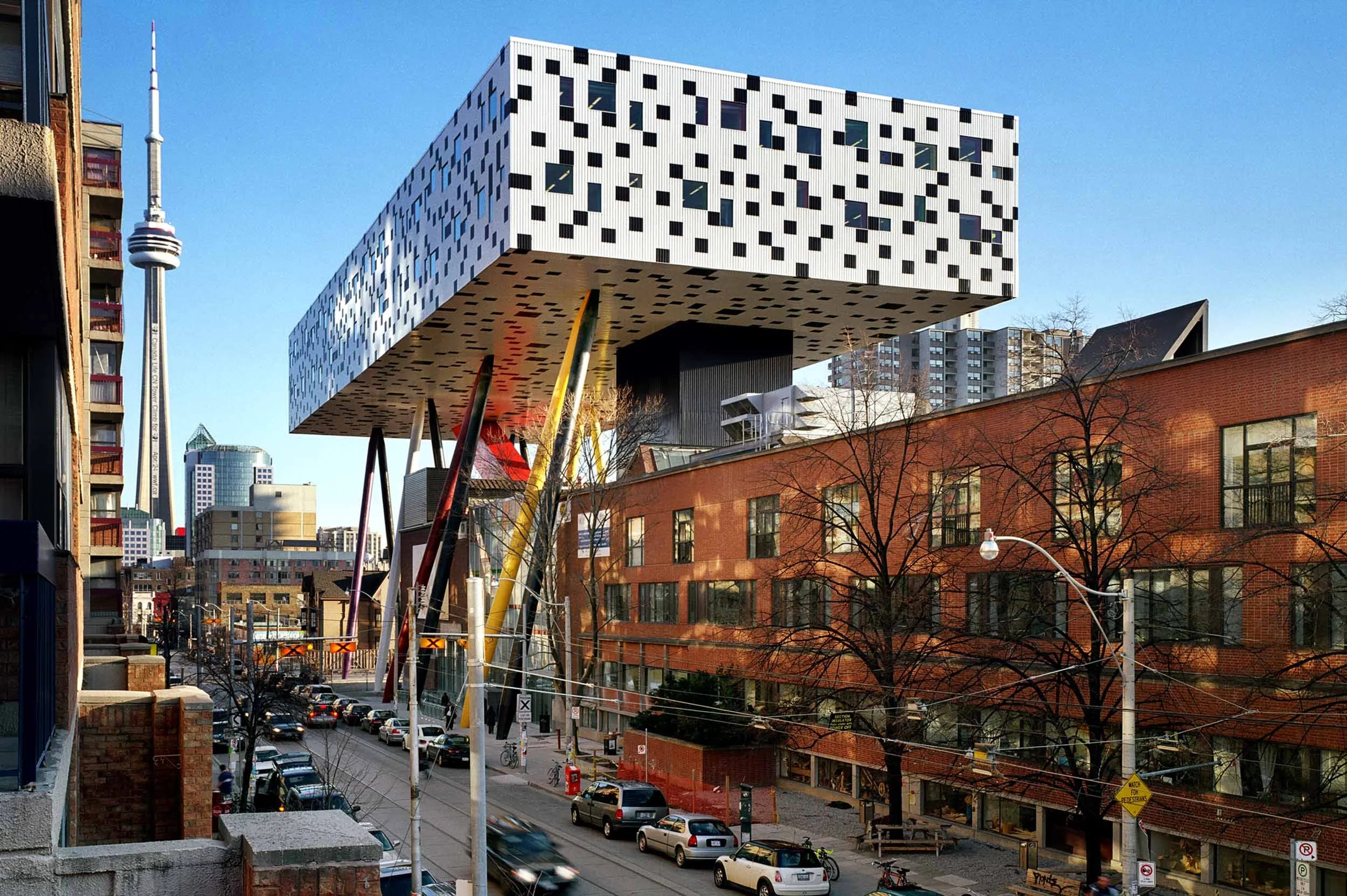
There are a lot of architects I like, and I’ve long been a fan of the late Will Alsop. He designed the OCAD building in Toronto and a lot of really unique and cool bars and museums. He was also a guest lecturer at Ryerson University, where I caught some of his talks early on in my career and really gelled with his disdain for bureaucracy and his laisez faire way of describing his work.
Absolutely love Kinopio’s unique design style. Curious about where your aesthetic sensibilities come from? And what advice or resources would you recommend to other indie developers who want to improve their own design skills?
With a new app, I think about what this would feel like if it were a physical machine? Would it be stark and unadorned, festooned with buttons and switches, or some place in between? Connecting cards together with Kinopio is visually a little like connecting patches together with wires on an analogue synth. Generally, I wanted to evoke the feel of a professional instrument, like a Teenage Engineering OP-1, or a Nord Keyboard – immediately responsive but inviting of creativity.
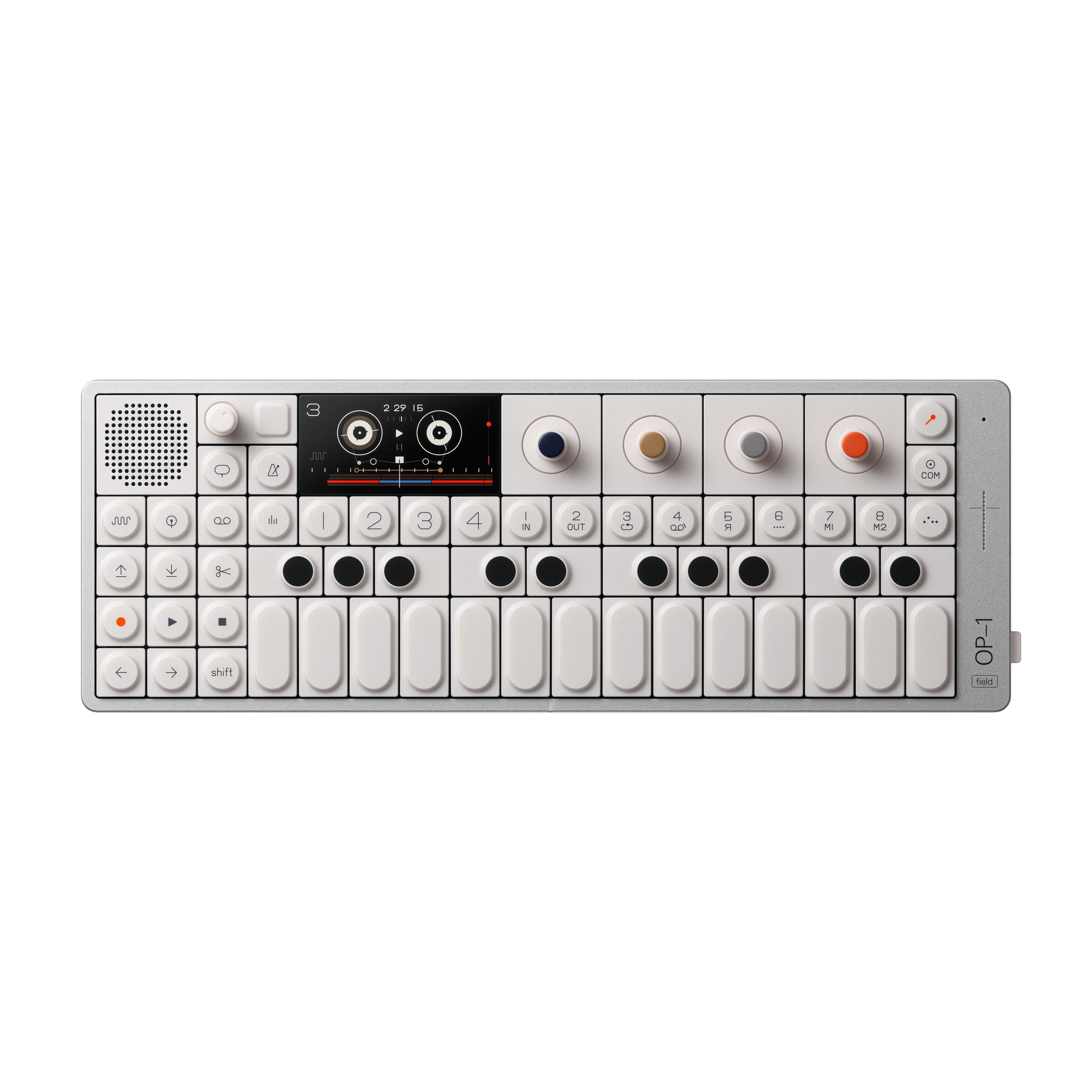
Because Kinopio also needs to be fully featured on mobile, I needed the interface to have a high density much like what we got on classic computers.
Tell us a bit about yourself and what you envision for the future.
Hi, I went to school for biology, and later urban planning/design. But during the latter, I realized I enjoyed mapping and presenting information, more than I liked city policy details. So I started my career as an illustrator at a not-so-good ad tech company, and gradually dived into the waters of design and then development. I worked at Freshbooks , Fogcreek (where I co-created Glitch), and then left to build my own product, Kinopio.
About Apptisan
Apptisan is a portmanteau of “application” and “artisan”, signifying “a weekly exploration into the world of apps and the passionate artisans who create them.” Each issue is a conversation with global creators, aiming to uncover and present intriguing products to a wider audience.
For those who prefer Chinese, you can subscribe via Quaily. Creators interested in featuring their products are encouraged to submit them through our form, and we’ll be in touch promptly.
Supporter Status
Apptisan currently operates without any paid subscriptions plans. If you enjoy our content and would like to support our independent work in discovering and sharing more great app stories, here are a couple of ways you can help:
Really enjoyed being interviewed by you, keep up the great work :D